Local continuity desk · Vol. I · 2026
Your calendar
has a history.
Record encrypted editions. Read exactly what moved or disappeared. Restore one event without rolling back the week.
Free manual snapshots and restores · macOS, Windows, Linux · no calendar data leaves your computer
01 / The correction desk
Current truth is not the whole record.
Calendars are operational data. Meetings move, providers go offline, and yesterday’s useful plan quietly disappears beneath today’s sync.
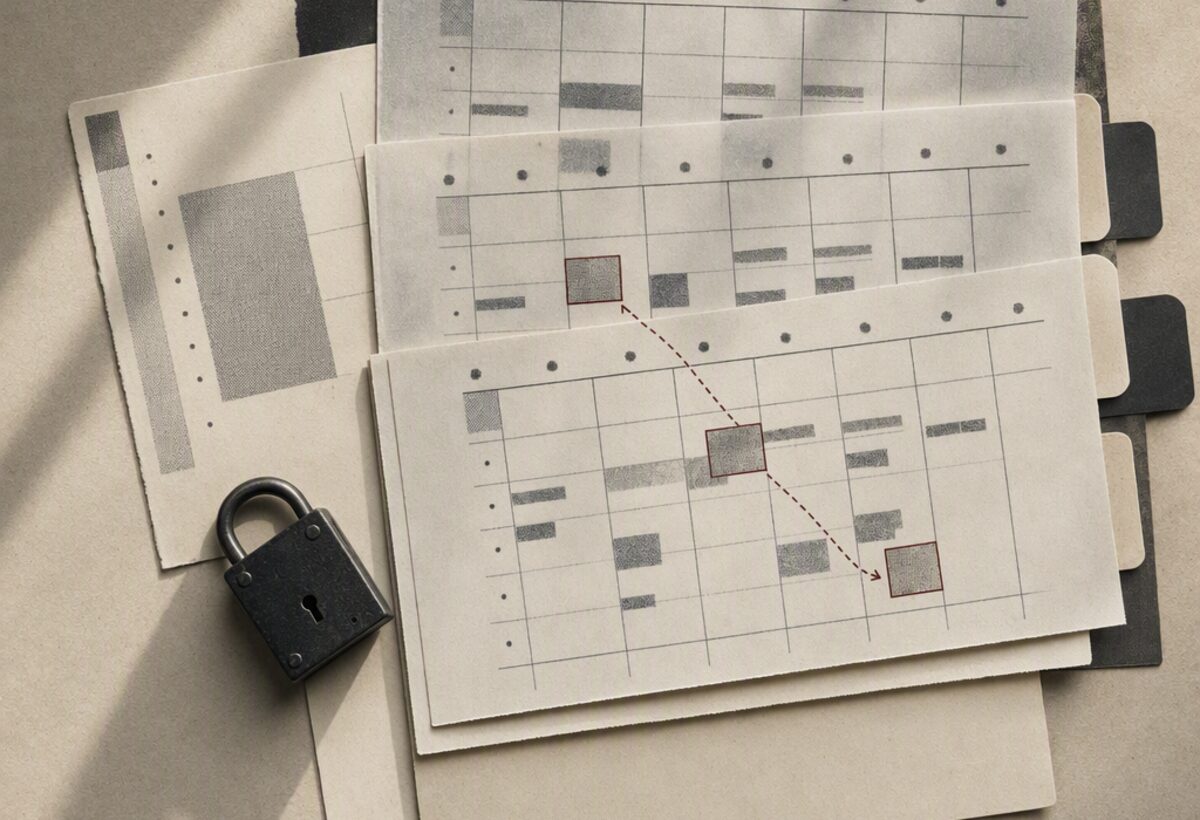
Snapshotter keeps encrypted local editions and compares each against the last. A cancelled appointment is shown with its former time; a moved one keeps the earlier form ready for export.
The two-minute recovery route
Record. Compare. Recover.
- 01
Take an edition
Import any ICS file for free, or connect a CalDAV collection for scheduled capture while the app runs.
- 02
Read the change desk
Added, moved, and cancelled events appear as a quiet ledger—not a wall of calendar markup.
- 03
Export only what matters
Select one or several earlier events. Snapshotter builds a timezone-aware ICS file any calendar can import.
A private archive, not another provider
The calendar stays yours.
- AES-256-GCM
- Snapshots and saved credentials are encrypted before local storage.
- Zero event telemetry
- No analytics, ad pixels, remote fonts, or third-party calendar processing.
- Open on exit
- Recovery exports are ordinary RFC 5545 ICS files, not a proprietary backup.
- Recurrence kept intact
- Recurring masters, exceptions, TZIDs, and VTIMEZONE definitions are preserved.
Continuity license
Schedule the archive.
Never rent the restore.
The free app includes unlimited manual ICS snapshots, every diff, and every restore export. One purchase adds encrypted CalDAV credentials and scheduled capture while the desktop app is open.
Buy the continuity licenseInstall from the command line
One line, checksum verified.
curl -fsSL https://calendar-ics-snapshots.sociobot.in/install.sh | shirm https://calendar-ics-snapshots.sociobot.in/install.ps1 | iexUnsigned preview: v0.1 installers are not yet notarized or Authenticode-signed. On macOS, right-click the app and choose Open. On Windows, review the SmartScreen prompt before running.